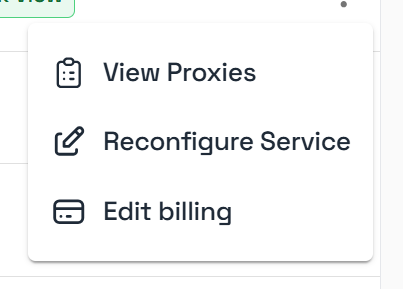
Reconfiguration Options
Once clicked, a pop-up will appear and it will allow you to change your subscription payment cycle and either add or remove proxies from your service. If you select a quantity below your current subscription size then you be able to select the specific proxies you want removed from the service. These proxies will be lost instantly after confirming the reconfiguration and you will not be able to recover them.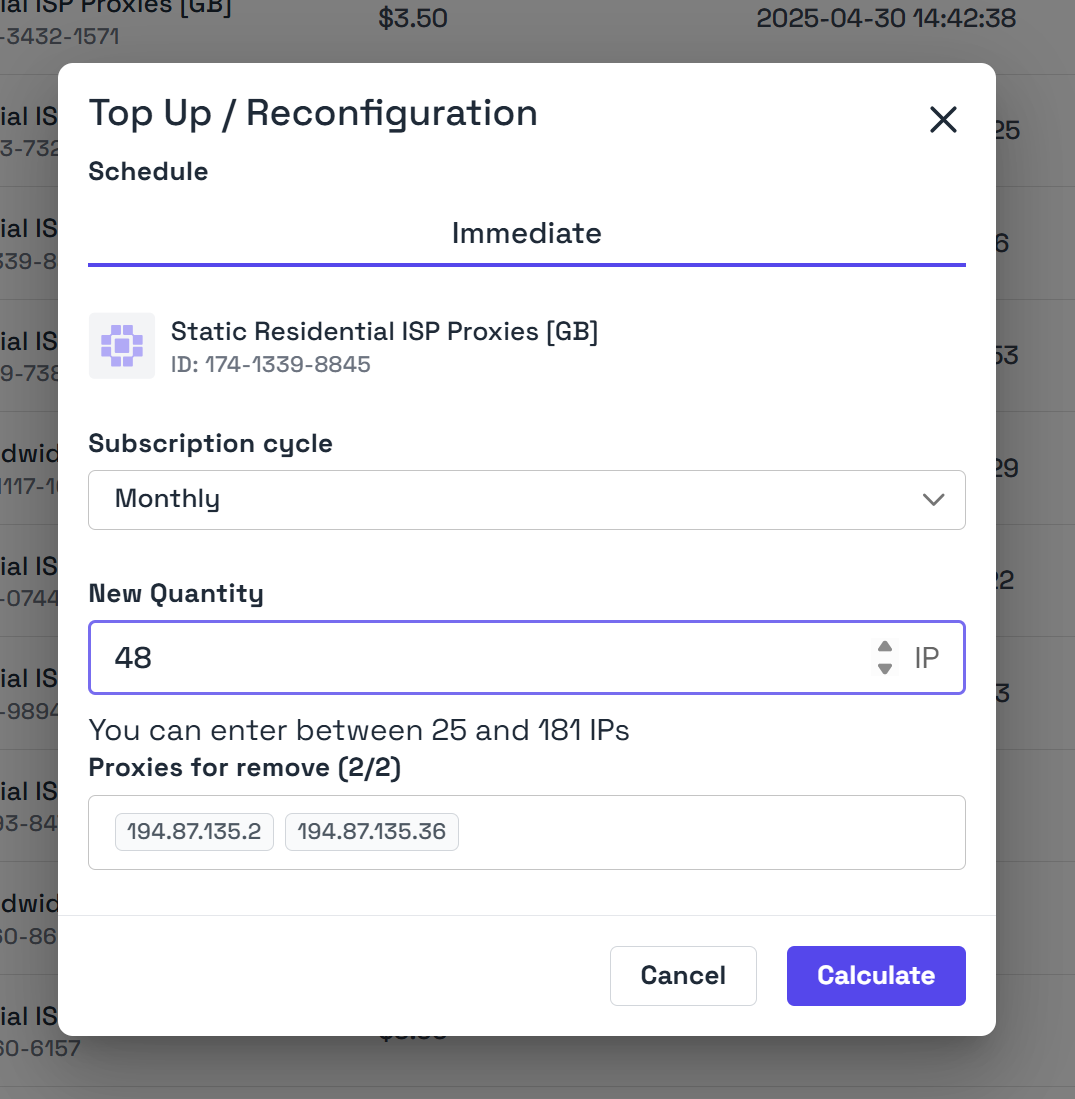
Reconfiguration Review
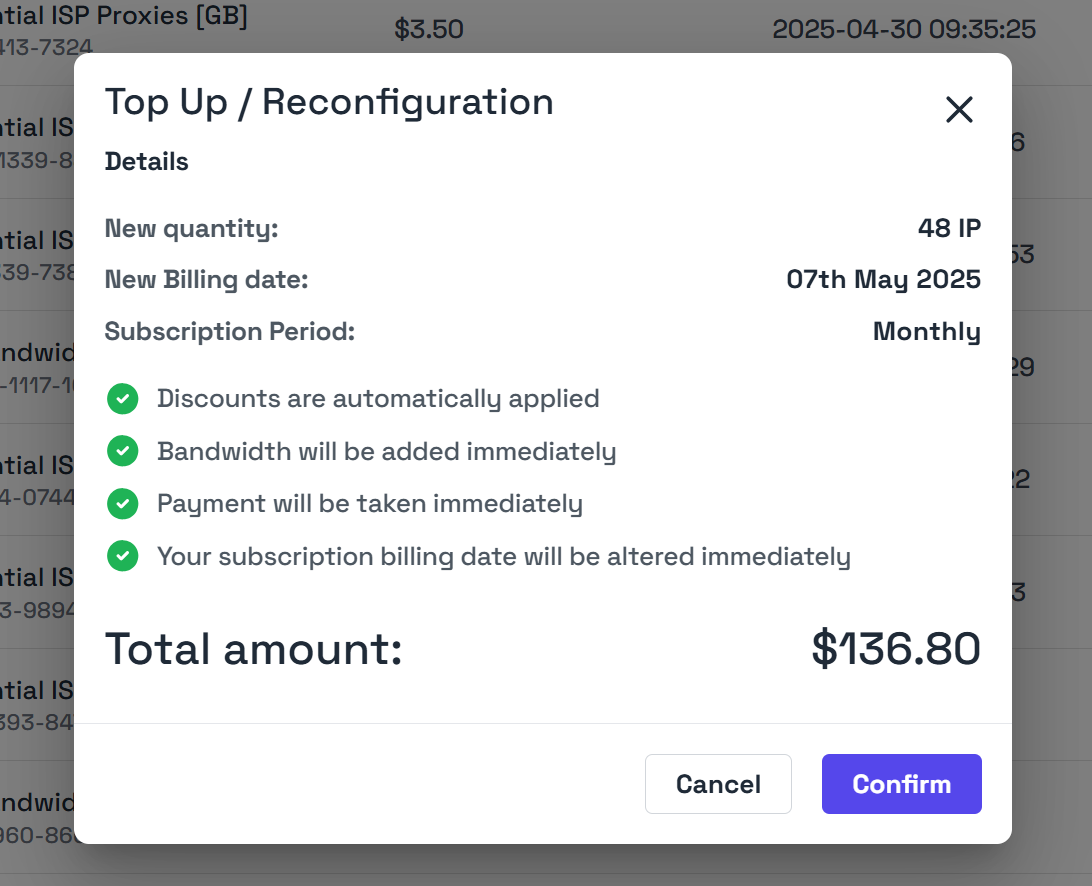
After making your reconfiguration options, you can click calculate to get a preview of the change. This will show you the new billing date of the subscription along with amount due immediately. If you increase the quantity of your subscription, the additional cost will be prorated. If you’re happy with the change then you can click confirm and your reconfiguration will be instantly processed. If you’ve added new IPs then they’ll be delivered within a few moments by our system and you’ll get an email confirmation of the change.