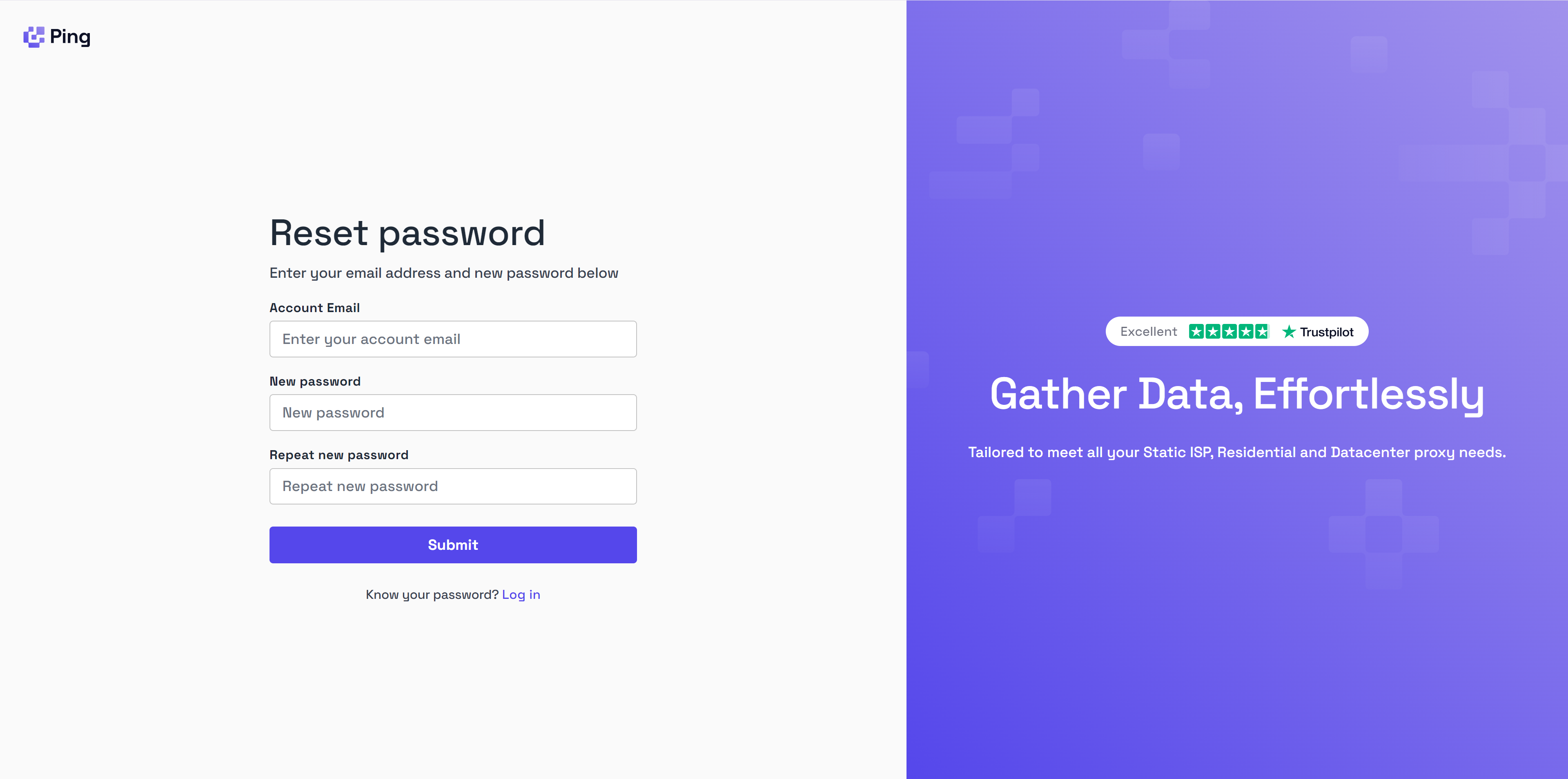
If you’ve forgotten your password and can’t login to your Byteful account then you can head to our Password Reset page to set a new password. To change reset your password:Documentation Index
Fetch the complete documentation index at: https://documentation.byteful.com/llms.txt
Use this file to discover all available pages before exploring further.
- Go to the Password Reset page
- Enter a new new password, first in the New Password box and then in the Repeat new password box.
- Click Submit
- A page will appear and an email will be sent to you with a code confirming you have are the account owner and have permissions to change the password.
- Enter the code and click Confirm