View All Invoices
You can view all finalized invoices in your dashboard at the Billing Invoices section of your dashboard. Here you can see all invoices that have been are open or overdue, and have been paid or have been voided.
Invoice Status
Paying an Invoice
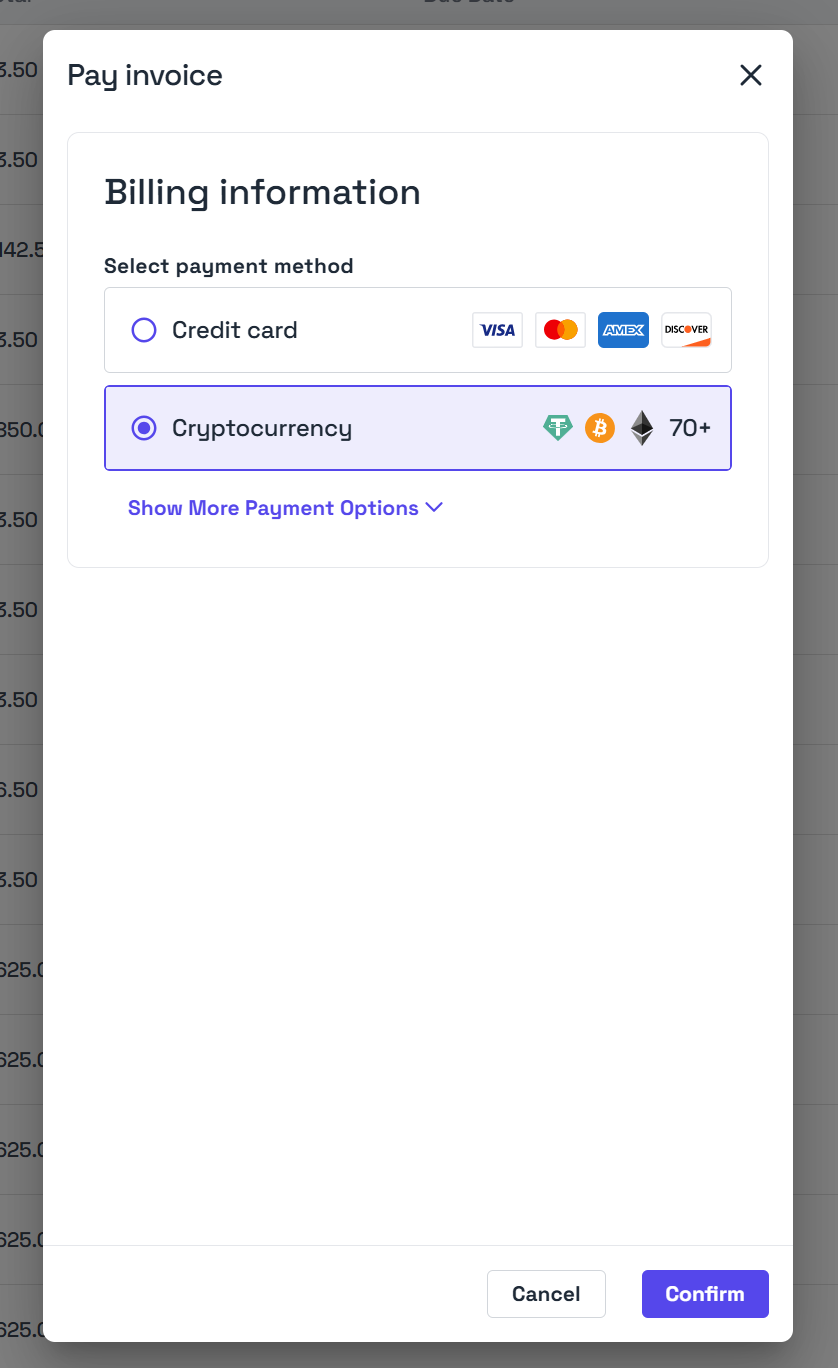
Open invoices will appear at the top of your dashboard Billing Invoices section and you’ll receive a pop-up when you login for each open invoice you have. If you’d like you to pay your invoice, you can click Pay next to the invoice in the invoices table and a pop-up will appear with available payment options for this invoice.- Select your payment method and then click confirm
- You’ll be taken to the selected payment platform to complete the payment
- Once paid, your invoice will be marked as paid and your subscription will be extended
Download Invoices
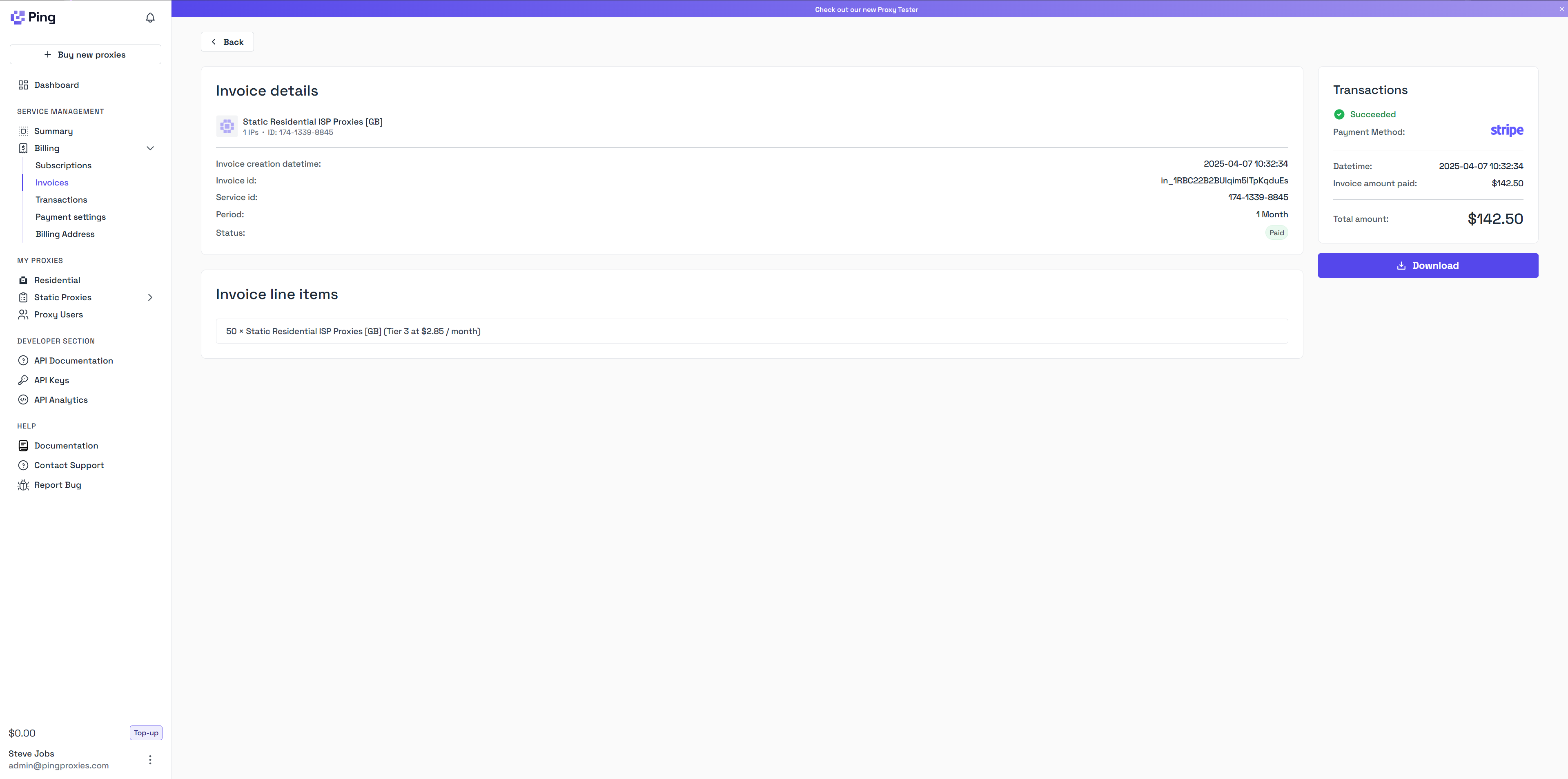
You can view and download all finalized invoices in your dashboard at the Billing Invoices section of your dashboard. If you’d like to download any invoices:- Click View and then you’ll be taken to a page which shows the specific information for the invoice
- Click the Download button to save a PDF copy of the invoice to your local device