

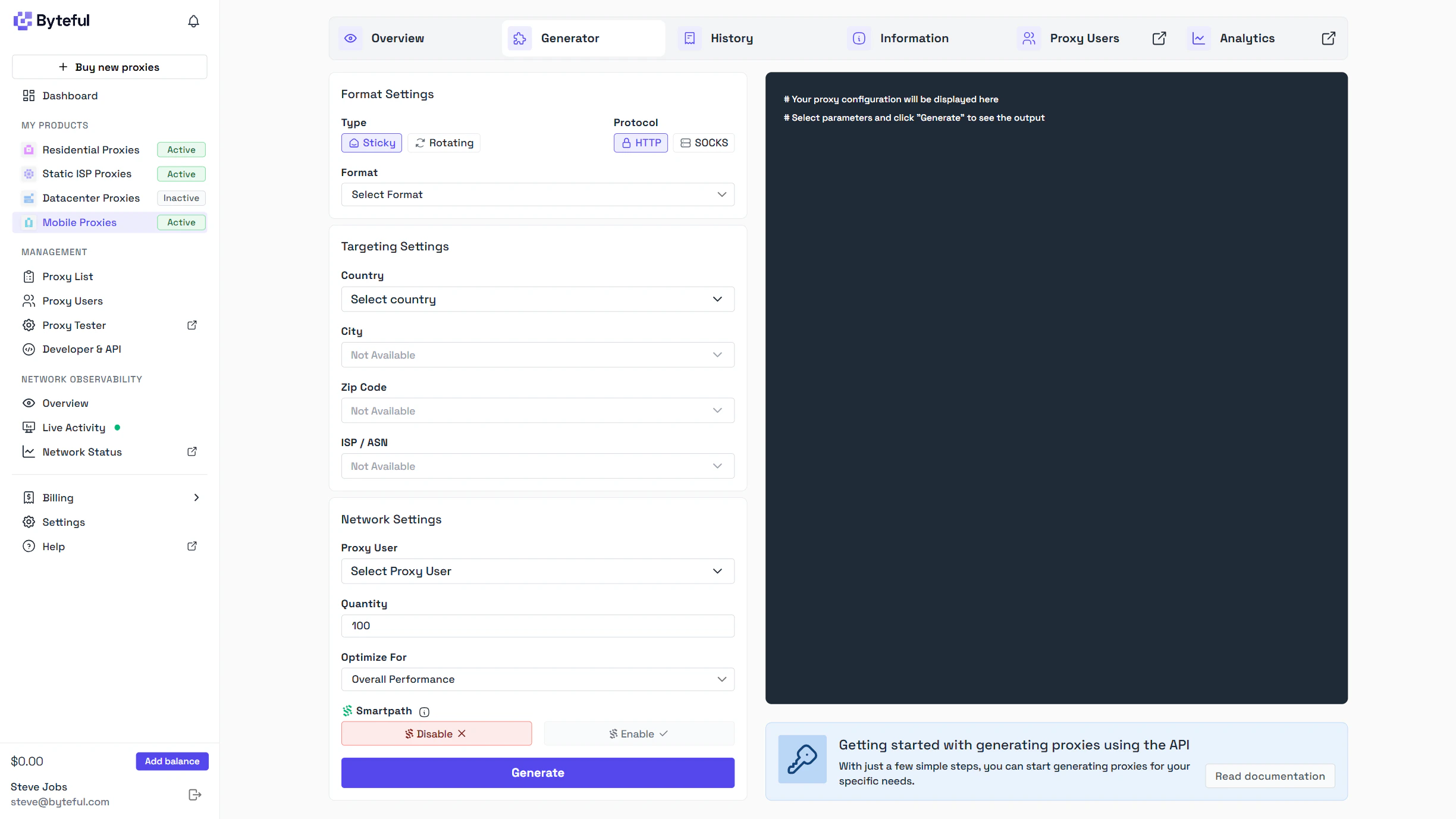
Syntax Generation
You can also generate mobile proxies via syntax generation. Our proxies have a standardized format and as long as you generate proxy information in this format then your proxies will be accepted by our network.Basic Random Mobile Proxy
FormatSticky Mobile Proxy
You can make a proxy have a sticky IP address by adding a session ID in this format:_s_{random_alphanumeric} to the username field of the proxy. Any requests with using a proxy with the same alphanumeric session ID will try to link you to the same IP address as the first request with that session ID.
Format
Session TTL (Time to Live)
You can maintain the same IP address for a specific duration by adding a TTL parameter in this format:_ttl_{number}{unit} to the username field of the proxy. The unit can be m for minutes, h for hours or d for days. The session TTL parameter must be accompanied by a session ID.
Format
Enabling Smartpath
Smartpath® is an intelligent, AI-driven proxy routing feature designed to optimize your mobile proxy data usage by dynamically routing traffic through mobile or datacenter IPs. You can easily enable Smartpath through the mobile generator or adding_smartpath to your proxy username field after your proxy_user_id.
Format
Country Targeting
You can make a proxy have a IP address from a specific country by adding a country ISO 3166 code in this format:_c_{country_iso_code} to the username field of the proxy. Any requests with using a proxy with the ISO code will return a proxy with an IP address from the selected country.
Format
State Targeting
You can make a proxy have a IP address from a specific state by adding the state name in this format:_state_{state_name} to the username field of the proxy. Any requests with using a proxy with the state will return a proxy with an IP address from the selected state.
You can find out a full list of available state and their names via the dashboard or via the API where you can find all US states through the /subdivision/search endpoint while filtering by country_id=us. Use the subdivision_alias field from the response as the {state_name} value.
Format
City Targeting
You can make a proxy have a IP address from a specific city by adding city name or alias in this format:_city_{city_alias} to the username field of the proxy. Any requests with using a proxy with the city alias will return a proxy with an IP address from the selected city.
You can find out a full list of available cities and their alias via the dashboard.
Format
Zip Code Targeting
You can make a proxy have a IP address from a specific ZIP code ID to the proxy in this format:_zip_{zip_code_id} to the username field of the proxy. Any requests with using a proxy with the ZIP code ID will return a proxy with an IP address from the selected ZIP code.
You can find out a full list of available ZIP codes and their ID’s via the dashboard or via the API where we have a /zip_code/search endpoint.
Since ZIP codes represent a very specific, limited population area, it is unlikely we will have a large number of proxies online from every ZIP code at a single time. You can overcome this issue by ensuring the ZIP code you are targeting has currently online proxies using our /mobile_availability/search endpoint and filtering by zip_code_id. Alternatively, you can see an interactive, live view of all ZIP codes and their current node count on the mobile dashboard.
Format
ASN Targeting
You can make a proxy have a IP address from a specific ASN / Carrier by adding ASN in this format:_asn_{asn_number} to the username field of the proxy. Any requests with using a proxy with the ASN number will return a proxy with an IP address from that network.
You can find out a full list of available carriers and ASNs via the dashboard.
Format
Combined Targeting
You can combine any of the above targeting methods together to your proxy information to further limit the IP Addresses of your proxies. Example of a AT&T Proxy in Charlotte, NC USAAPI Generation
You can also generate mobile proxies programmatically using our API:Generate Mobile Proxies via API
Learn how to generate mobile proxies using the API with code examples in Python, JavaScript, PHP, Go, and Java.