
All accounts have a default Proxy User created and assigned to them at the point of registration. This Proxy User cannot be deleted and will stay on your account forever.Documentation Index
Fetch the complete documentation index at: https://documentation.byteful.com/llms.txt
Use this file to discover all available pages before exploring further.
Adding a New Proxy User
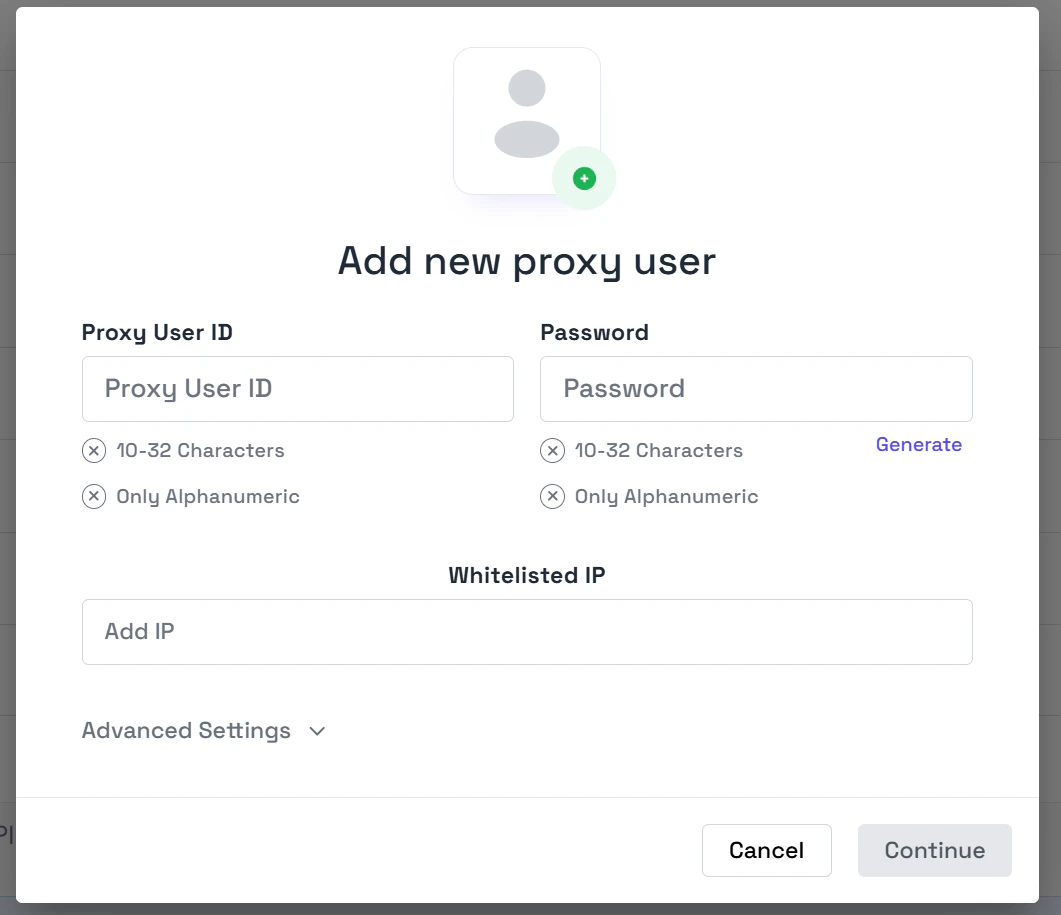
If you’d like to create a new Proxy User, follow these steps:- Navigate to the Proxy User management section in your dashboard
- Click the +Add User button in the top right corner
Limitations & Rules
| Limit | Editable | Restriction |
|---|---|---|
| Proxy User ID | No | 10-32 Alphanumeric characters |
| Proxy User Password | Yes | 10-32 Alphanumeric characters |
| Number of Proxy Users | Contact Support | Contact Support |
| Number of IP Authentications | No | 3 per Proxy User |

